Property Team User
Orders Dashboard
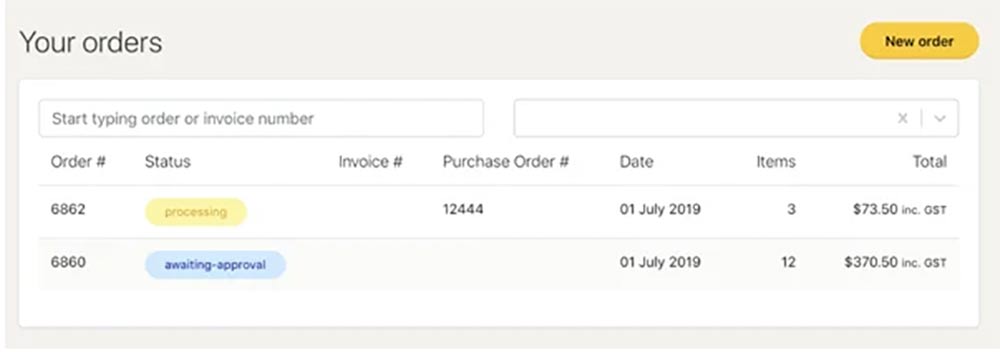
On your dashboard, you will be able to view all the orders that have been submitted as well as their statuses.
To view the detailed order, you can click on any element of the order.
| Status | Description |
|---|---|
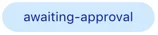
| Awaiting approval
|
Initial status once the order is submitted. |
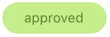
| Approved
|
After the order has been reviewed it will be marked as approved. After this status your order should move to processing. |
| Cancelled
|
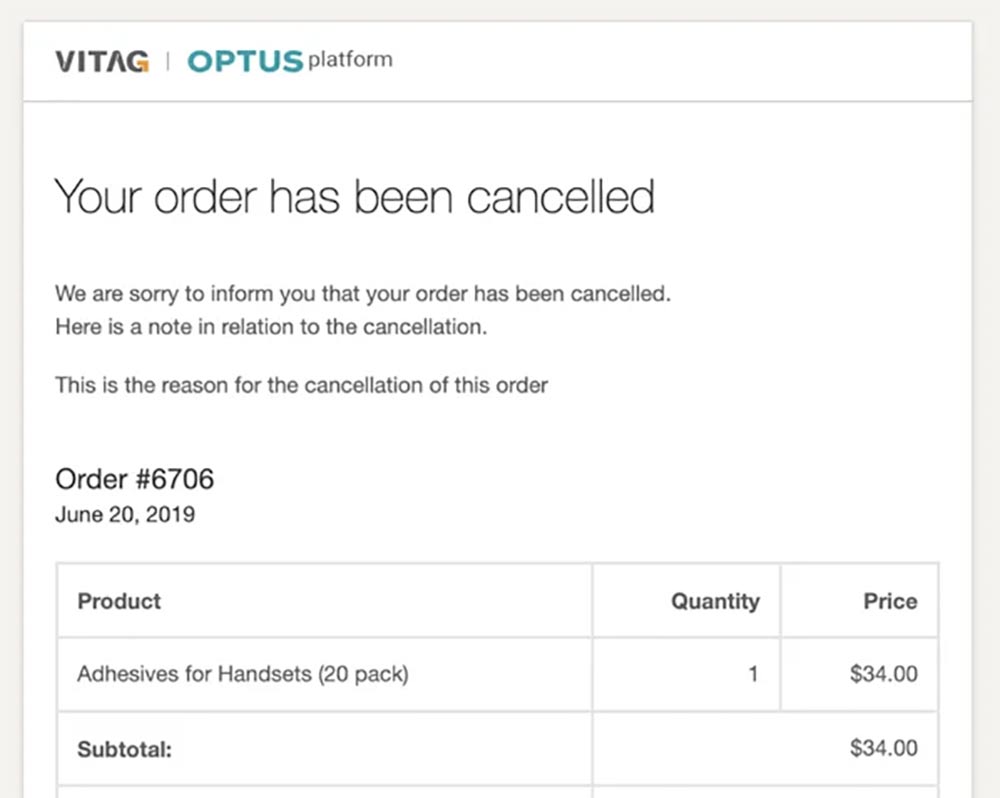
Order has been cancelled. You should receive an email with a reason for the cancellation. |
| Processing
|
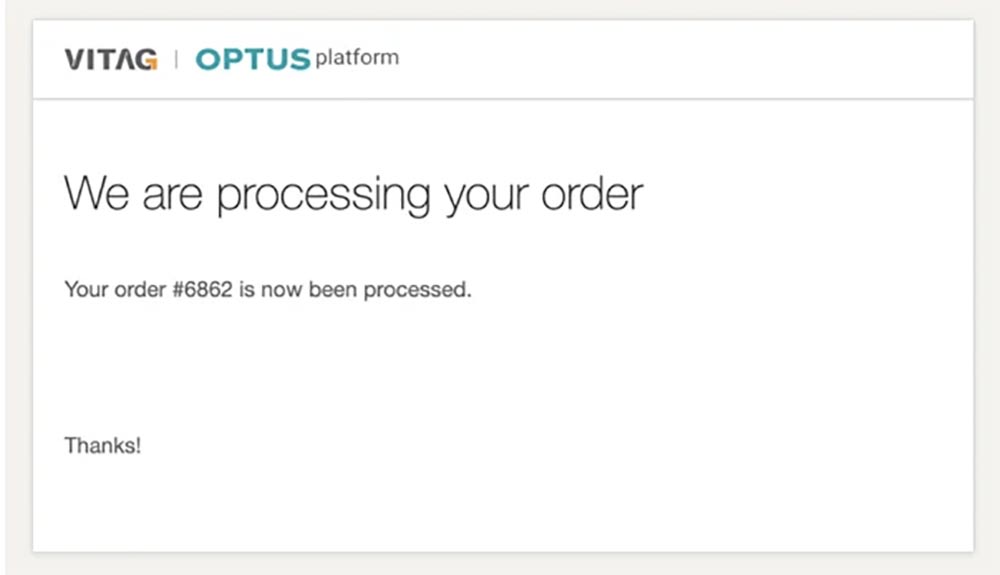
After the order has been approved the status changes to processing, this means that the items are being collected, packed and getting ready for shipment. |
| Partially Shipped
|
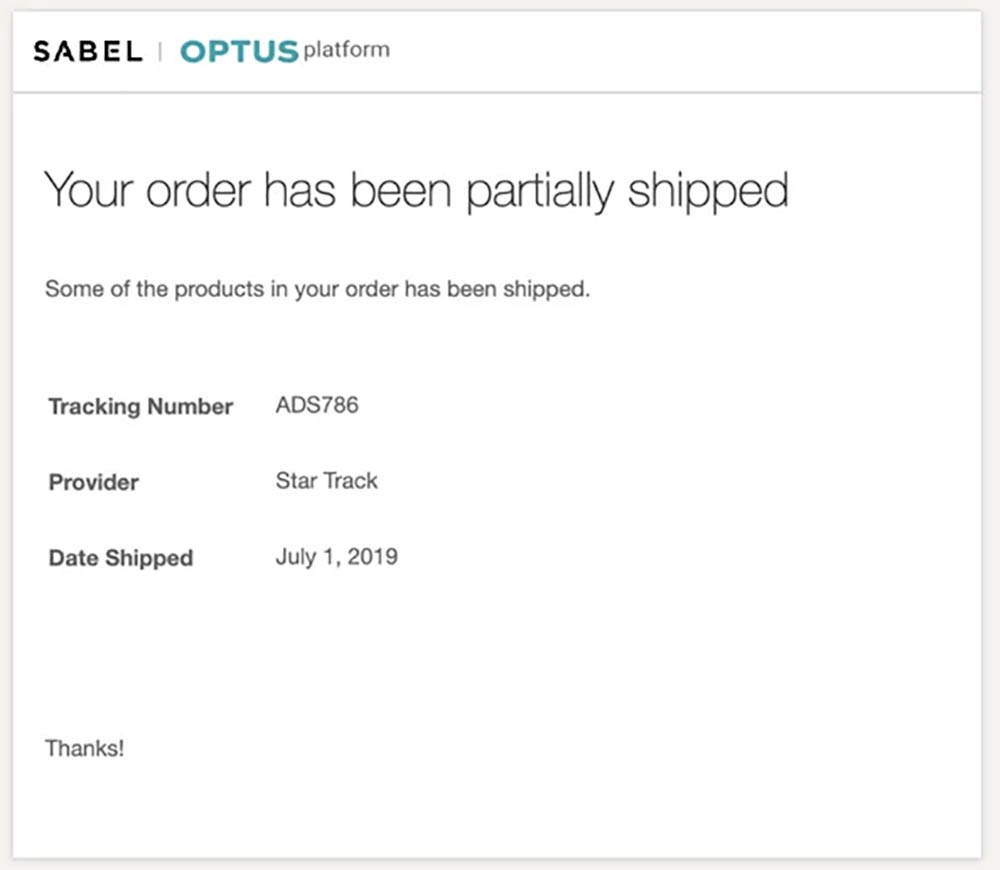
When not all the items in the order were fulfilled. |
| Shipped
|
When the order has been entirely fulfilled. |

Order Notifications
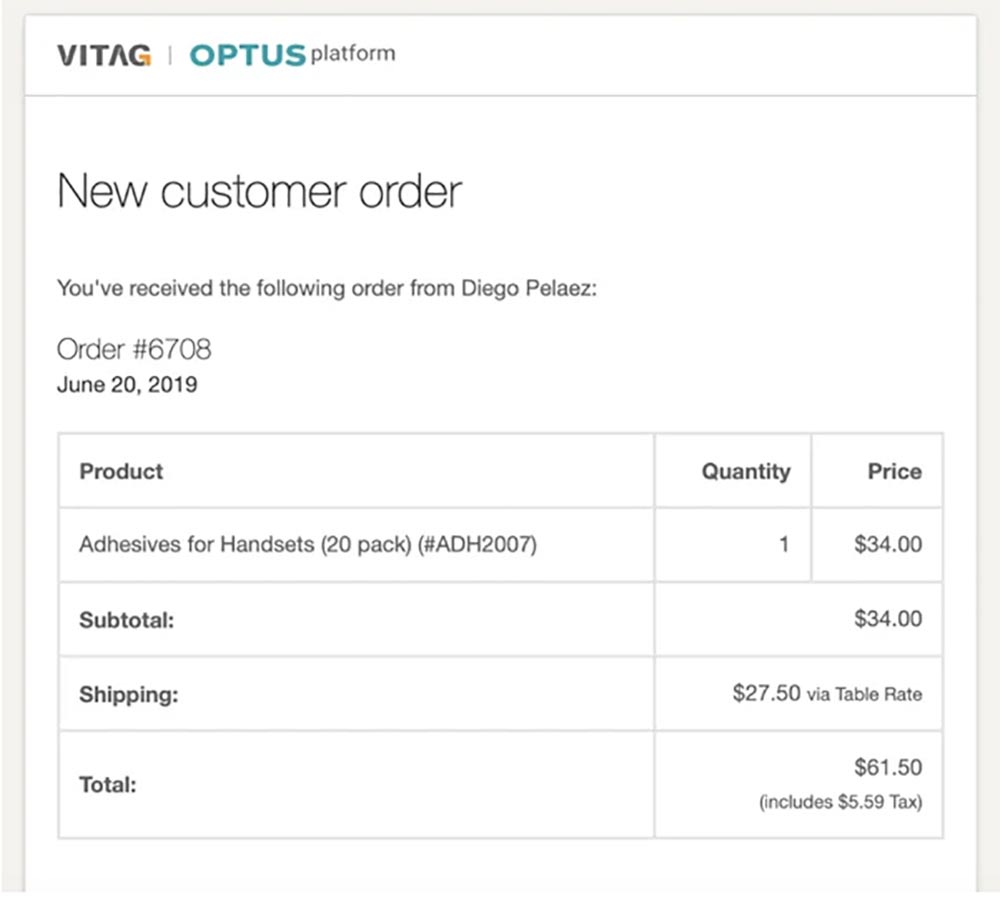
As the order goes through the process, email notifications are generated by the system to advise the stores of the statuses of their orders.
New order (sent to Property Team)
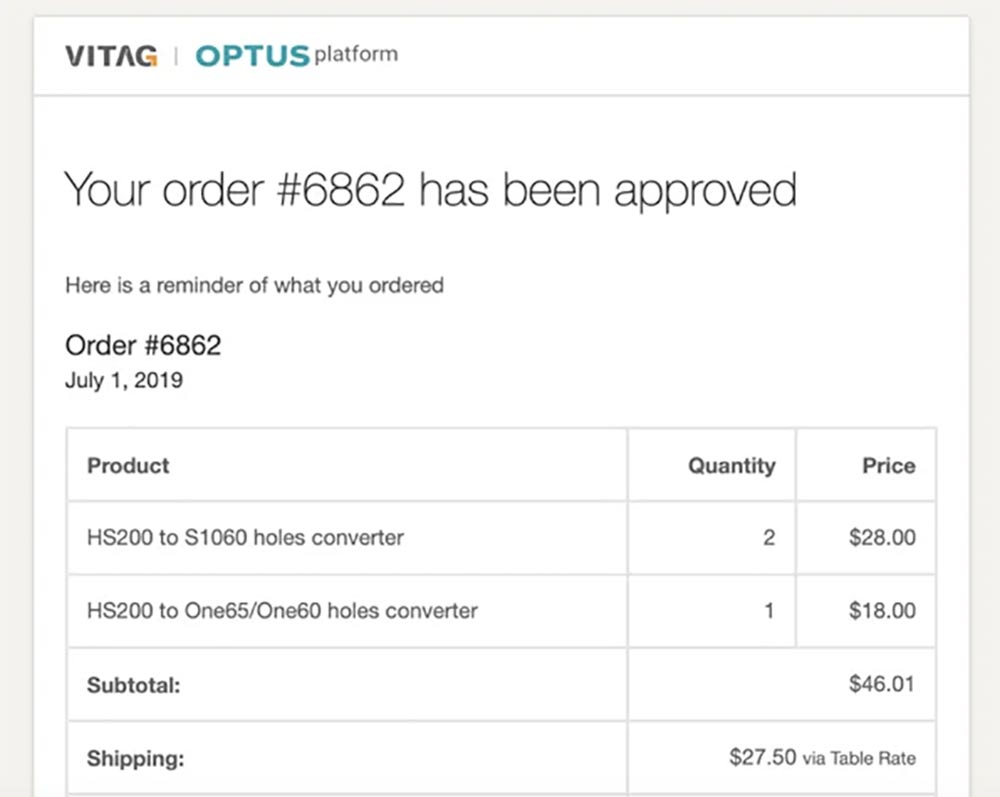
Approved (sent to Store)
Once order is approved, the store receives a notification email similar to this:
Cancelled (sent to Store)
If you cancel an order, the store will receive a email notification including the cancellation note:
Processing (sent to Store)
Once you approve the order, the order status will change to approved and processing. An email notification is sent to the store.
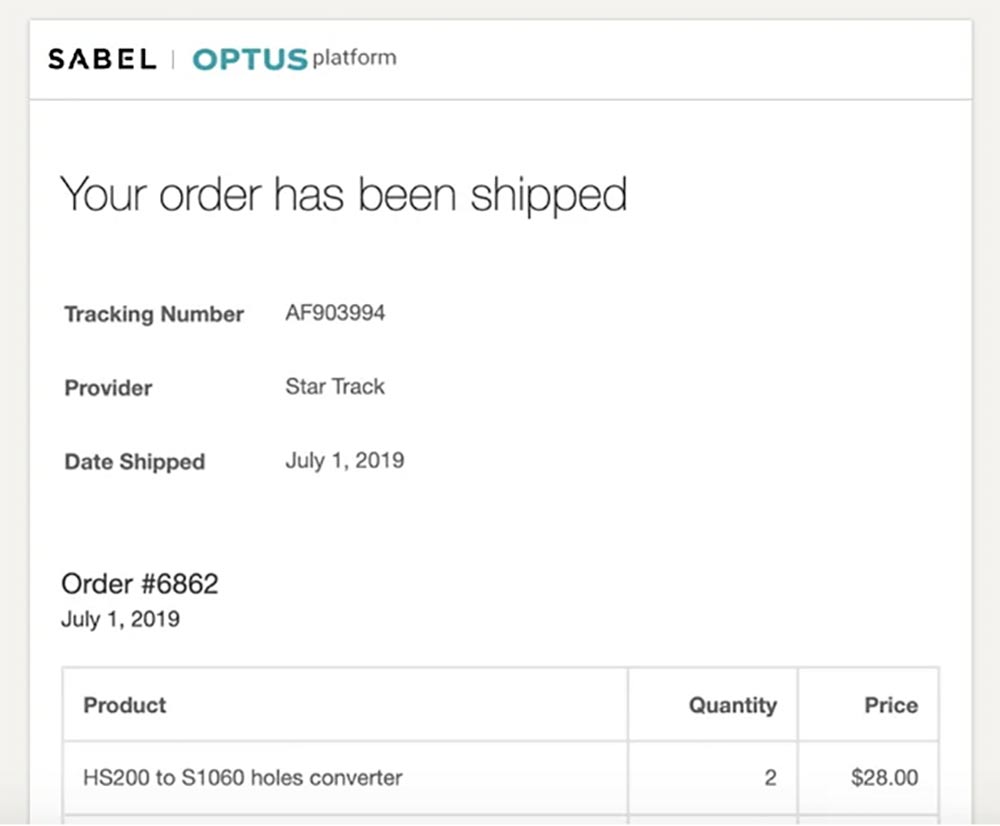
Shipped (sent to Store)